I bought this for my girlfriend who is...
I bought this for my girlfriend who is coming over for the summer. Activating the SIM card via her email was very quick-quick registration and allows her to send messages over data. Data is fast enough to find places via google maps and watch videos.
See More on Trustpilot
This is great if u are in a pinch and...
This is great if u are in a pinch and need a back up if your cell service is not working correctly.
See More on Trustpilot
I go to Taiwan about once a year
I go to Taiwan about once a year. Always looking for a 'phone' solution. I typically get myself the 4g portable data access( this is my go- to). However this year I got this eSIM and used it as well...this works well. Arriving at TPE my phone automatically hooks into the wifi as it's pre-set each year.:) this allowed me to set up the eSIM.. and it worked flawlessly while i was there. I'm very happy with this product!
See More on Trustpilot
Play PUBG Mobile with eSIM- ping low...
Play PUBG Mobile with eSIM- ping low low! No lag when stream. Good for esports player like me 'wannabe' :-))
See More on Trustpilot
I ordered this plan for my Apple iPhone...
I ordered this plan for my Apple iPhone when i visited my mom in canada. The plan was only 30 days which was great as i only needed about 2 and a half weeks. I set it up before i left and when i landed in canada it worked perfectly from the start. Absolutely no complaints. Great service No errors whatsoever
See More on Trustpilot
I bought this for my girlfriend who is...
I bought this for my girlfriend who is coming over for the summer. Activating the SIM card via her email was very quick-quick registration and allows her to send messages over data. Data is fast enough to find places via google maps and watch videos.
See More on Trustpilot
This is great if u are in a pinch and...
This is great if u are in a pinch and need a back up if your cell service is not working correctly.
See More on Trustpilot
I go to Taiwan about once a year
I go to Taiwan about once a year. Always looking for a 'phone' solution. I typically get myself the 4g portable data access( this is my go- to). However this year I got this eSIM and used it as well...this works well. Arriving at TPE my phone automatically hooks into the wifi as it's pre-set each year.:) this allowed me to set up the eSIM.. and it worked flawlessly while i was there. I'm very happy with this product!
See More on Trustpilot
Play PUBG Mobile with eSIM- ping low...
Play PUBG Mobile with eSIM- ping low low! No lag when stream. Good for esports player like me 'wannabe' :-))
See More on Trustpilot
I ordered this plan for my Apple iPhone...
I ordered this plan for my Apple iPhone when i visited my mom in canada. The plan was only 30 days which was great as i only needed about 2 and a half weeks. I set it up before i left and when i landed in canada it worked perfectly from the start. Absolutely no complaints. Great service No errors whatsoever
See More on Trustpilot
I bought this for my girlfriend who is...
I bought this for my girlfriend who is coming over for the summer. Activating the SIM card via her email was very quick-quick registration and allows her to send messages over data. Data is fast enough to find places via google maps and watch videos.
See More on Trustpilot
This is great if u are in a pinch and...
This is great if u are in a pinch and need a back up if your cell service is not working correctly.
See More on Trustpilot
I go to Taiwan about once a year
I go to Taiwan about once a year. Always looking for a 'phone' solution. I typically get myself the 4g portable data access( this is my go- to). However this year I got this eSIM and used it as well...this works well. Arriving at TPE my phone automatically hooks into the wifi as it's pre-set each year.:) this allowed me to set up the eSIM.. and it worked flawlessly while i was there. I'm very happy with this product!
See More on Trustpilot
Play PUBG Mobile with eSIM- ping low...
Play PUBG Mobile with eSIM- ping low low! No lag when stream. Good for esports player like me 'wannabe' :-))
See More on Trustpilot
I ordered this plan for my Apple iPhone...
I ordered this plan for my Apple iPhone when i visited my mom in canada. The plan was only 30 days which was great as i only needed about 2 and a half weeks. I set it up before i left and when i landed in canada it worked perfectly from the start. Absolutely no complaints. Great service No errors whatsoever
See More on Trustpilot
I bought this for my girlfriend who is...
I bought this for my girlfriend who is coming over for the summer. Activating the SIM card via her email was very quick-quick registration and allows her to send messages over data. Data is fast enough to find places via google maps and watch videos.
See More on Trustpilot
This is great if u are in a pinch and...
This is great if u are in a pinch and need a back up if your cell service is not working correctly.
See More on Trustpilot
I go to Taiwan about once a year
I go to Taiwan about once a year. Always looking for a 'phone' solution. I typically get myself the 4g portable data access( this is my go- to). However this year I got this eSIM and used it as well...this works well. Arriving at TPE my phone automatically hooks into the wifi as it's pre-set each year.:) this allowed me to set up the eSIM.. and it worked flawlessly while i was there. I'm very happy with this product!
See More on Trustpilot
Play PUBG Mobile with eSIM- ping low...
Play PUBG Mobile with eSIM- ping low low! No lag when stream. Good for esports player like me 'wannabe' :-))
See More on Trustpilot
I ordered this plan for my Apple iPhone...
I ordered this plan for my Apple iPhone when i visited my mom in canada. The plan was only 30 days which was great as i only needed about 2 and a half weeks. I set it up before i left and when i landed in canada it worked perfectly from the start. Absolutely no complaints. Great service No errors whatsoever
See More on Trustpilot
I bought this for my girlfriend who is...
I bought this for my girlfriend who is coming over for the summer. Activating the SIM card via her email was very quick-quick registration and allows her to send messages over data. Data is fast enough to find places via google maps and watch videos.
See More on Trustpilot
This is great if u are in a pinch and...
This is great if u are in a pinch and need a back up if your cell service is not working correctly.
See More on Trustpilot
I go to Taiwan about once a year
I go to Taiwan about once a year. Always looking for a 'phone' solution. I typically get myself the 4g portable data access( this is my go- to). However this year I got this eSIM and used it as well...this works well. Arriving at TPE my phone automatically hooks into the wifi as it's pre-set each year.:) this allowed me to set up the eSIM.. and it worked flawlessly while i was there. I'm very happy with this product!
See More on Trustpilot
Play PUBG Mobile with eSIM- ping low...
Play PUBG Mobile with eSIM- ping low low! No lag when stream. Good for esports player like me 'wannabe' :-))
See More on Trustpilot
I ordered this plan for my Apple iPhone...
I ordered this plan for my Apple iPhone when i visited my mom in canada. The plan was only 30 days which was great as i only needed about 2 and a half weeks. I set it up before i left and when i landed in canada it worked perfectly from the start. Absolutely no complaints. Great service No errors whatsoever
See More on Trustpilot
I bought this for my girlfriend who is...
I bought this for my girlfriend who is coming over for the summer. Activating the SIM card via her email was very quick-quick registration and allows her to send messages over data. Data is fast enough to find places via google maps and watch videos.
See More on Trustpilot
This is great if u are in a pinch and...
This is great if u are in a pinch and need a back up if your cell service is not working correctly.
See More on Trustpilot
I go to Taiwan about once a year
I go to Taiwan about once a year. Always looking for a 'phone' solution. I typically get myself the 4g portable data access( this is my go- to). However this year I got this eSIM and used it as well...this works well. Arriving at TPE my phone automatically hooks into the wifi as it's pre-set each year.:) this allowed me to set up the eSIM.. and it worked flawlessly while i was there. I'm very happy with this product!
See More on Trustpilot
Play PUBG Mobile with eSIM- ping low...
Play PUBG Mobile with eSIM- ping low low! No lag when stream. Good for esports player like me 'wannabe' :-))
See More on Trustpilot
I ordered this plan for my Apple iPhone...
I ordered this plan for my Apple iPhone when i visited my mom in canada. The plan was only 30 days which was great as i only needed about 2 and a half weeks. I set it up before i left and when i landed in canada it worked perfectly from the start. Absolutely no complaints. Great service No errors whatsoever
See More on Trustpilot

eSIM Ecuador
eSIM Ecuador
Regular price
340.000 VND
Regular price
Sale price
340.000 VND
- High-Speed 4G/5G Internet Data
- Fast and reliable local internet
- No roaming charges or hidden fees
- Instant Email Delivery via QR Code
Enjoy high-speed 5G/4G coverage across Ecuador with zero throttling.
Supported local operator:
Movistar
Quantity


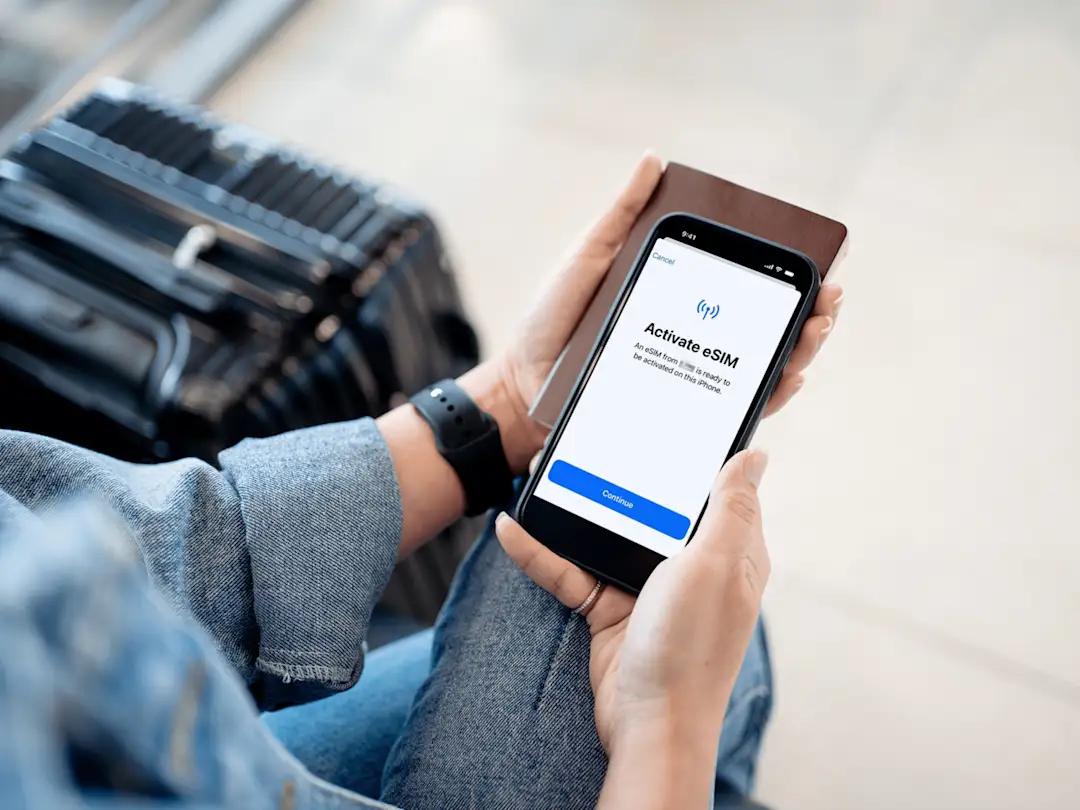


See egoViet in Action
Watch real customer reviews and tutorials
Product Description
| Network: | Movistar |
| Speed: | 5G / 4G / LTE |
| Plan Type: | Data Only. Voice call and SMS are NOT available. Mobile number not included. |
| Data Package: | High-speed data. Unlimited data at 128kbps after max-speed data usage exceeds. |
| Validity: | Automatically starts when connected to the local mobile network at your destination. |
| Hotspot / Tethering: | Supported (Yes) |
| Delivery: | Via email a few minutes after purchase, 24/7 Support |
| ID / Passport Registration: | Not Required |
Tip: EgoViet recommends buying at least one day more than your planned usage to avoid
expiration problems due to time zone differences between countries.
How to use the egoViet eSIM Ecuador
Get connected in just 03 simple steps!

Buy online
Select the eSIM plan that best suits your needs and place an order.

Scan the QR code
Receive the QR code via email, and scan it to install.

Connect instantly
Your plan will activate automatically as soon as you arrive. Fast and simple!
Why choose egoViet eSIM?
-

Easy to use
100% online. Receive eSIM via email. Scan a QR code to install. Activate eSIM when you land and get connected instantly.
-

Free roaming charges
Save 100% on data roaming charges and comfortably make calls and texts via WhatsApp, Telegram, Facetime, etc.
-

Nationwide coverage
Coverage in all destinations nationwide. Stay connected anytime, anywhere.
-

24/7 support
Answer questions and provide 24/7 technical support via chat or email.
-

Instant delivery
eSIM profile details delivered via email. No waiting for shipping, no removal, no risk of loss.
-

Keep original SIM
eSIM is digital, so it‘s no need to remove your original sim cards, but still receive calls, SMS if any.


What people talk about us
The most daring travelers have already tried egoviet.com. Will you?